
How to sell internationally: what Amazon, eBay and Etsy translate for you, and what you have to change on the product page yourself

You are listing a product on Amazon in Germany or on eBay in France, and as you work out how to sell internationally, you wonder whether the images have to be prepared all over again. Does the marketplace read the filename? Is there anywhere to enter alt text? And if the platform translates the listing for you, what does it leave untranslated?
We checked this on 14 September 2026 in the seller help and technical documentation of Amazon, eBay, Etsy, Kaufland, Google Merchant Center, Walmart, Zalando and Mercado Libre. Where the documentation says nothing, we looked at the code of real product pages on those platforms. At the end, we show how to prepare an image in WordPress with ConverterSEO, and what the plugin won’t do for you.
The short answer: the filename doesn’t matter on a marketplace, but it does in your own shop
We found nothing in the documentation of any platform we checked saying that the filename affects where a listing ranks. Amazon, eBay and Etsy replace it with their own identifier as soon as you upload the image. You can enter alt text only on some platforms. Automatic translation covers the listing text, but not the text in images. Your own shop is different: there, Google reads the filename and the alt text.
| Platform | Filename | Your own alt text | Automatic translation | WebP |
|---|---|---|---|---|
| Amazon | replaced with an Amazon identifier | only in A+ Content, up to 100 characters | listing title and bullet points, A+ Content | no |
| eBay | replaced with an eBay identifier | no field | listing content, in practice mainly the title, with no guarantee of accuracy | yes |
| Etsy | replaced with an Etsy identifier | yes, in shops whose default language is English | yes, and you can translate the title, description and tags yourself | no |
| Kaufland Global Marketplace | the documentation doesn’t say | yes, for every image | free translation of product data, if you switch it on | yes |
| Google Merchant Center | the documentation doesn’t say | no field | you usually translate the data yourself; machine translation only on request and only from English | yes |
| Your WordPress shop | a weak hint for Google | yes, the most important image field | depends on your translation plugin | yes |
What a marketplace does with your filename
When you upload an image, the platform stores it on its own servers under a name of its own. The name you gave the file does not appear on the listing page. This is what the image URLs looked like on the listings we checked:
Your file          brown-leather-backpack.jpg
URL on Amazon      …/images/I/619XV9yvxTL._AC_SL1500_.jpg
URL on eBay        …/images/g/<identifier>/s-l1600.webp
URL on Etsy        …/il_fullxfull.<identifier>.jpg
The filename matters only when you upload many images at once. Under the older naming method, Amazon reads the filename to get the product number and the image’s position in the gallery: B000123456.MAIN.jpg, for example, is the main image. You can also name the files however you like and match them to products after uploading. When you ask Zalando to replace images using a template, you name the files with the SKU, for example SKU_1.jpg. These are labels that match an image to a product, not keywords.
Only Walmart’s guide for sellers in Canada recommends descriptive filenames, together with short alt text. But it is talking about search engines such as Google, not Walmart’s own search.
Alt text on a marketplace: who writes it
On Amazon and eBay, the platform writes the alt text for gallery images, not you. On Etsy and Kaufland, you get a field for it.
- Amazon. Amazon’s documentation has no field for the alt text of gallery images. In the data sent through the API, an image is simply a file URL. On the amazon.com and amazon.de pages we checked, the main image’s alt text was the product title, and the thumbnails had empty alt text. You can write your own alt text only in A+ Content, the extended description below the listing. There it is required for every image, and according to the A+ Content definition in Amazon’s API it can be at most 100 characters long. Amazon says alt text helps the listing in search results, but does not explain how.
- eBay. There is no alt text field, either in the seller help or in the API. On the listings we checked, eBay used the title as the alt text, with an addition such as “Picture 1 of 3”. In one listing, each image had its own descriptive sentence, most likely generated automatically.
- Etsy. It has an “Alt text” field for every listing image, but only in shops whose default language is English. Etsy advises keeping it within 250 characters and notes that copying the title or tags into the alt text brings no extra benefit. In shops run by US sellers, Etsy may write the alt text itself with AI if the field is left empty. According to Etsy, alt text helps search engines outside Etsy understand the image. It says nothing about any effect on Etsy’s own search.
- Kaufland Global Marketplace. Here alt text is mandatory. Kaufland says the law has required it since June 2025. You enter it in the Seller Portal or in a CSV file, in the picture.alt_text column.
- Google Merchant Center. There is no alt text field. An image is a file URL in the product data.
We found no alt text field in the seller help of Zalando or Mercado Libre.
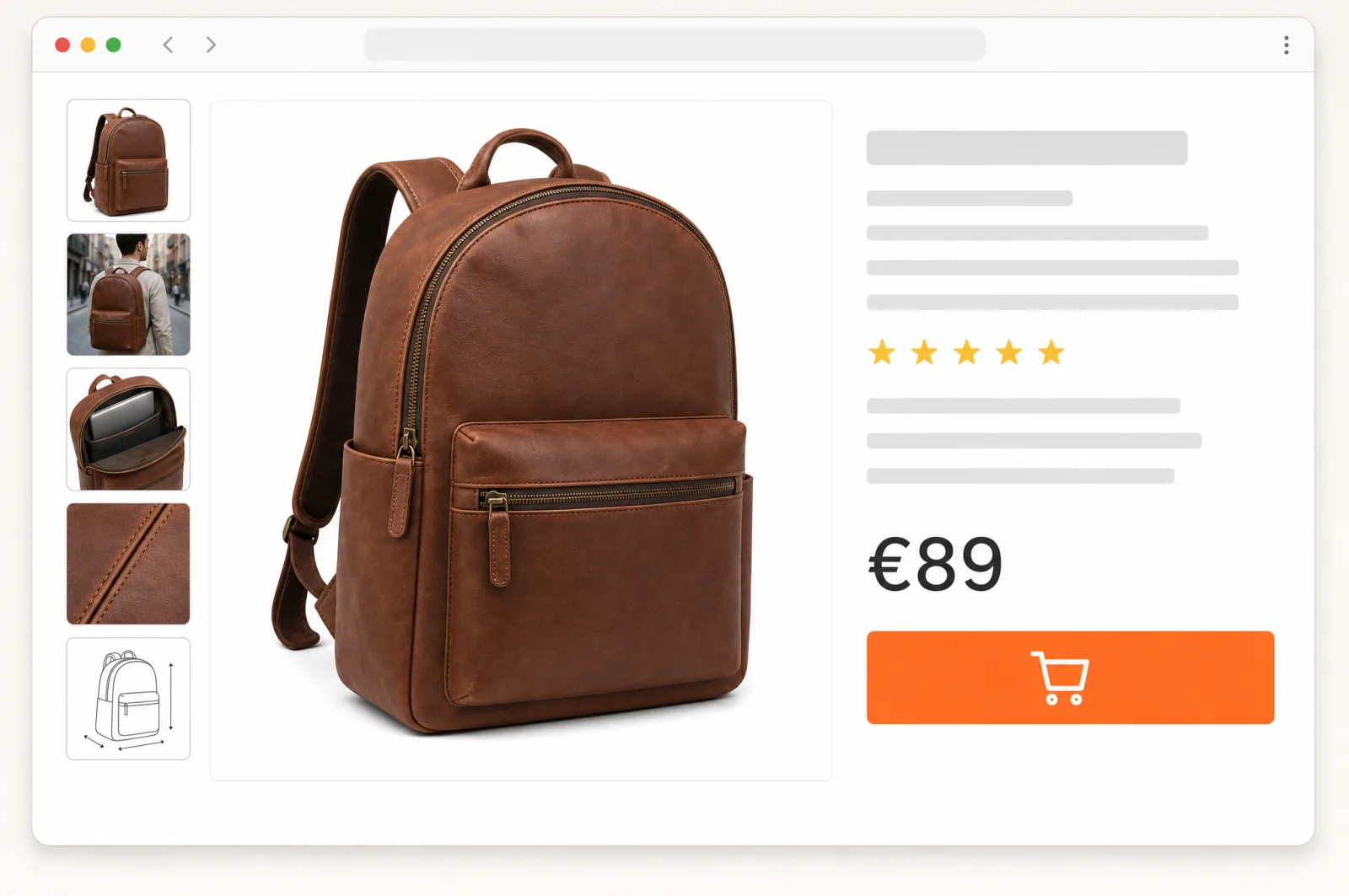
What the platform really reads: what the image shows
If the filename doesn’t matter and the platform writes the gallery alt text, what else counts? The image itself. Large platforms examine what can be seen in it.
- Amazon checks whether a new main image shows the same product as the listing. If it doesn’t, Amazon rejects it with error 990003. The Amazon Lens Live feature matches whatever a customer points their phone camera at to billions of products in the catalogue.
- eBay has image search, which compares a buyer’s photo with listing images. When you create a listing in the app, it fills in item specifics based on the photo.
- Etsy finds similar products from a photo in its mobile apps. It turns every listing image into a record of its visual features.
- Google Merchant Center, when it applies automatic image improvements, tries to remove any text, watermarks and logos it detects in the images.
The conclusion is simple: the image must show exactly what the title promises. If the title says a brown backpack and the main image shows a black one, no alt text will fix that.
And what about data stored in the file itself, such as a title or description in EXIF and IPTC metadata? The images that eBay and Etsy show to buyers contained no such data. Amazon officially reads one thing from the metadata: a marker saying the image shows AI-generated people.
What a marketplace translates for you
- Amazon. The Build International Listings tool tries to translate your listing and create a product page in another Amazon store. On its blog for sellers, Amazon says the tool translates titles and bullet points, and advises leaving A+ Content to a professional translator. A+ Content can also get language versions automatically, and you can edit or delete them. We opened a product page on amazon.de in Polish: the title, the bullet points and the main image’s alt text had been machine-translated from German.
- eBay. The User Agreement allows eBay to machine-translate sellers’ content and states that the accuracy of the translation is not guaranteed. You are still responsible for the content of your listing. On ebay.de, a listing from a US seller had its title in German, but the item specifics and description stayed in English. eBay.com has no field for your own translation. If you want a listing in the market’s language, eBay advises listing it directly on the local site, such as ebay.de, and translating it, either yourself or with a tool.
- Etsy. It translates listings automatically, and you can turn the translation off. You can translate the title, description and tags yourself, and your version then replaces the machine one. Etsy notes that buyers trust machine translations less, and that your own translation lets you choose the words customers will use to find the listing.
- Kaufland Global Marketplace. It offers free translation of product data, together with transferring the images, for its stores in other countries: Germany, Austria, Poland, Czechia, Slovakia, France, Italy, Spain and the Netherlands. At the same time, Kaufland’s guidelines forbid automatic translations in descriptions and give “poor automatic translation” as an example of a bad title. Kaufland does not explain how the two fit together, so review every translation before you publish it.
- Google Merchant Center. It does not translate product data on its own. Google recommends translating it yourself, and the only thing it converts automatically is the currency. You can get machine translation only on request, if you spend at least USD 500 a month on ads, and only from English into French, German or Spanish.
- Mercado Libre. In the Global Selling programme, listings are created in English. Mercado Libre advises adding a title in the local language to avoid automatic translation.
What no marketplace will translate
Text in images. Translation covers the listing text, not what is in the picture. On the amazon.de page we opened in Polish, the text on the A+ Content graphics stayed in German. Amazon requires text in images to be in the country’s official language or in English. If you want different images in different countries, you first upload a shared set and then a separate set for each country. Each of those sets must have its own main image.
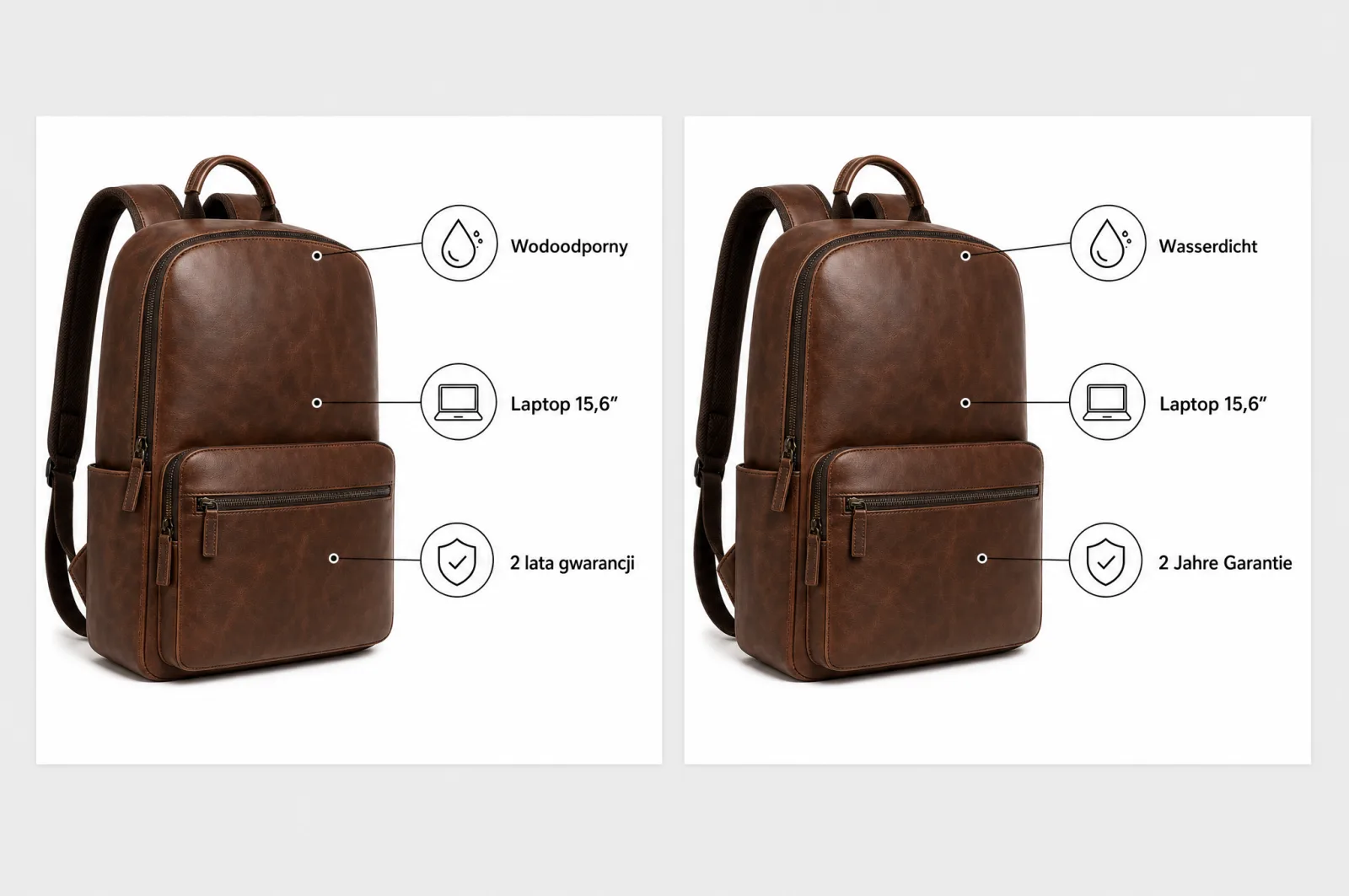
The words customers search with. Amazon itself warns that machine translation may not use the words that would make a listing rank high in local search results. It advises checking keywords separately for each region. Its example is “cookies” in the USA and “biscuits” in the UK. We show more differences like these, including sizes and how prices are written, in our article Localization vs translation: what changes on a product page abroad.
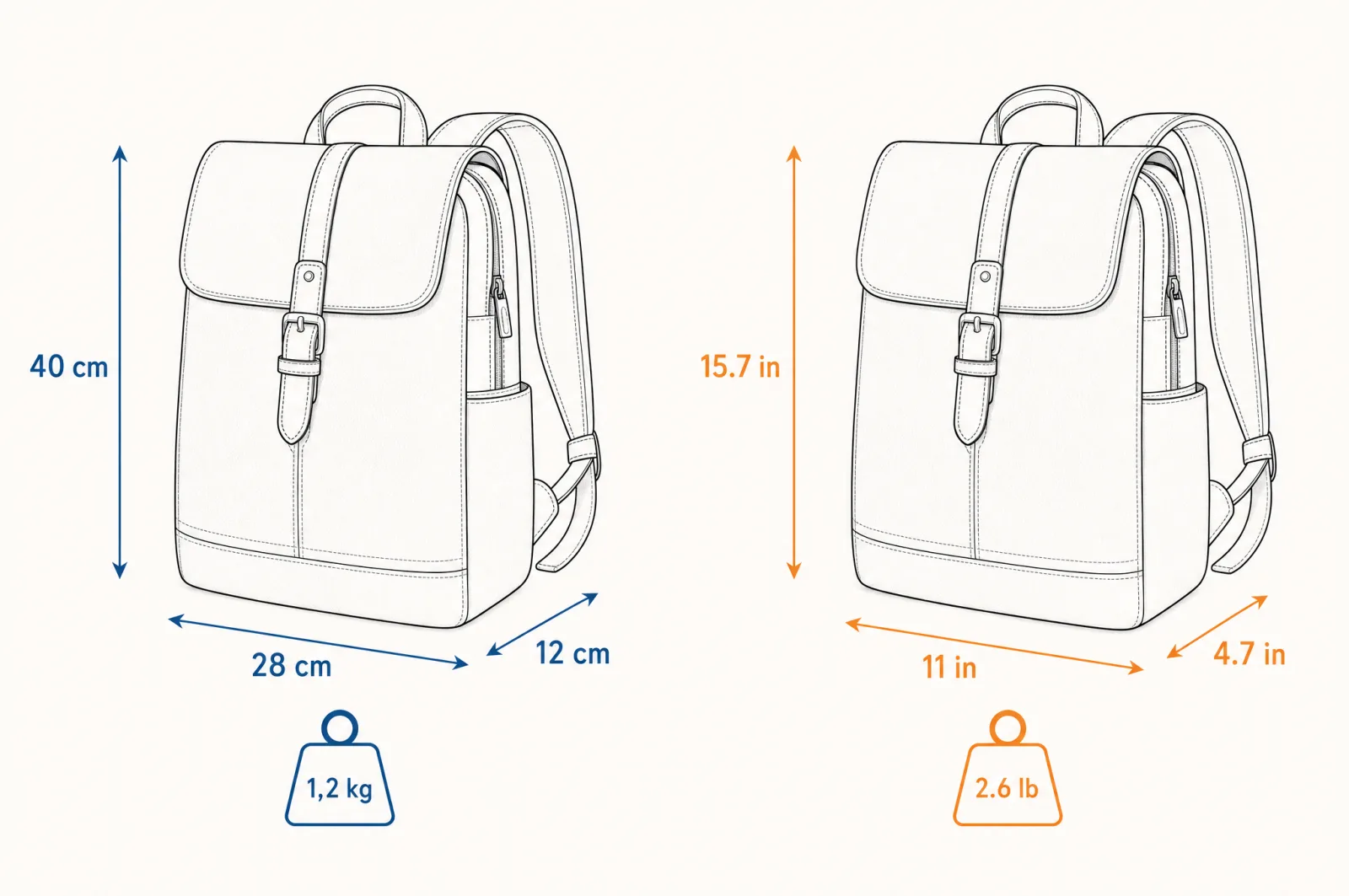
Units in graphics. Dimensions written on a drawing in centimetres stay in centimetres in a US store too, where dimensions are usually given in inches and weight in pounds.
Which files a marketplace accepts: WebP, JPG and dimensions
The rules change, so check the current seller help before you list a product. As of 14 September 2026:
| Platform | Formats | Dimensions and file size |
|---|---|---|
| Amazon | JPEG (preferred), TIFF, PNG, non-animated GIF. No WebP | from 500 to 10,000 px on the longest side, zoom available from 1000 px. Main image on a pure white background, with the product filling 85% of the frame |
| eBay | JPEG, PNG, GIF, TIFF, BMP, WebP, HEIC, AVIF | from 500 px, about 1600 × 1600 px recommended, up to 12 MB. No added borders, text or watermarks |
| Etsy | JPG, GIF, PNG, SVG, HEIC. No WebP | at least 2000 px recommended. Etsy warns that files larger than 1 MB may not upload |
| Kaufland Global Marketplace | PNG, JPG, WebP, TIFF, GIF | from 1024 px on one side recommended, from 2048 px for zoom, up to 10 MB. First image on a white background, no text, logos or flags on any image |
| Google Merchant Center | JPEG, WebP, PNG, GIF, BMP, TIFF | from 1500 × 1500 px recommended, at least 500 × 500 px from 31 January 2027, up to 16 MB. No watermarks, logos or prices |
| Walmart Marketplace | JPEG, PNG, BMP. No WebP | 2200 × 2200 px recommended, up to 5 MB, square, on a white background |
| Zalando | JPG | from 762 × 1100 px, up to 20 MB |
| Mercado Libre | JPG, PNG | from 500 px, larger images are scaled down to 1920 px, 1200 × 1200 px recommended, up to 10 MB |
Hence the rule we also repeat in our article on image file size, in the section Where you can send WebP, and where you cannot: keep your original images as JPG or PNG, and use WebP in your own shop and wherever a platform accepts it.
Where the filename and alt text really do their job: in your own shop
Everything described above applies to marketplace pages. On your own shop’s pages, the filename and alt text are yours to set, and Google reads them. This is what it says in its guidance on images:
- Alt text is the most important attribute Google uses to get information about an image. Stuffing it with keywords may get a page seen as spam.
- The filename gives Google only a very light clue about what the image shows. If you prepare images for another language, Google advises translating the filenames too.
- Google also takes information from the text around the image, from the caption and from the image title.
This is guidance for Google Search and Google Images, not for Amazon’s search. So describe the images in your shop carefully, even if you list the same files on marketplaces too. We explain how, step by step, in our article on how to prepare images for SEO.
How to prepare an image for selling internationally with ConverterSEO
ConverterSEO is a WordPress plugin that prepares the images in your shop’s media library. When you sell internationally, it gives you all of this in one place: image descriptions in each market’s language; a separate copy of the image for each language; alt text to paste into Kaufland, Amazon’s A+ Content and Etsy; and lightweight WebP files for your shop, eBay, Kaufland and Google Merchant Center. Step by step, it looks like this:
- Keep the originals as JPG. Amazon, Etsy, Walmart, Zalando and Mercado Libre do not accept WebP. Before you compress images for your shop, put a copy of the originals aside, because compression replaces the image in the library with a WebP version.
- Generate a description in the market’s language. Next to an image in the media library, you choose a language, German for example, and the plugin writes the title, alt text, description and filename for that market. The “Another language” option adds a second image to the library, with its texts in an additional language. The file is copied, not compressed again.
- Copy the alt text wherever the platform has a field for it. On Kaufland for every image, on Amazon in A+ Content, on Etsy in a shop whose default language is English. Watch the length: in A+ Content, alt text can be at most 100 characters. Read it before you paste it, because AI makes mistakes too.
- Compare the image description with the listing title. The plugin writes the description based on what it sees in the image. If it sees something different from what the title promises, a different colour for example, check the image before you publish the listing.
- Send WebP where it is accepted. The compressed image is fine for your shop, eBay, Kaufland and Google Merchant Center.
- Prepare graphics with text separately for each language. ConverterSEO does not translate the text in an image, and neither does a marketplace.
Compression to WebP and the media library audit are free and unlimited. Image descriptions are the paid part, and the Free plan gives you 5 descriptions to try.
Checklist before you list a product in another country
- The main image meets the platform’s rules: background, framing, format and dimensions. On Amazon, that means a pure white background and the product filling 85% of the frame.
- Originals as JPG or PNG for platforms that do not accept WebP.
- Text in graphics in the market’s language. On Amazon, in the country’s official language or in English.
- Dimensions and weight in graphics in the units the market uses.
- Alt text entered wherever there is a field: on Kaufland, in A+ Content on Amazon, and on Etsy.
- Title and keywords chosen for the market, not just translated. Automatic translation reviewed before publishing.
- In your own shop: the filename, alt text and image description in the language of each version of the shop.